AR ecommerce examples

Augmented reality in ecommerce: examples and use cases

Augmented reality in ecommerce helps shoppers evaluate a product in context before they buy. The strongest examples are not novelty filters: they answer questions about fit, scale, appearance, or placement. This guide reviews augmented reality shopping patterns, brand examples, website approaches, and the practical path for a furniture retailer launching AR without building a consumer app.

IKEA augmented reality and room planning

IKEA helped make furniture placement a recognizable AR shopping pattern. IKEA Place launched with true-to-scale 3D products that shoppers could position in their rooms, and IKEA now presents 3D room visualization through IKEA Kreativ in its shopping experience. The durable lesson for other retailers is not that they need to copy a large custom app: it is that furniture shoppers value seeing products together, at scale, in a familiar room before committing.

Sources: IKEA Place launch · IKEA app and 3D visualization
Four useful augmented reality shopping patterns

Product placement shows furniture or decor in a real room. Virtual try-on aligns products such as eyewear or cosmetics with the shopper. Surface preview applies paint, flooring, or finishes to part of the environment. Product education overlays dimensions, features, or assembly guidance. Each pattern succeeds when it reduces uncertainty tied to that product category.

AR website, hosted page, or ecommerce app?

A native augmented reality ecommerce app offers deep control but introduces download friction and ongoing app maintenance. A website embed keeps the shopper on the product detail page but needs a small integration. A hosted AR product page is the fastest pilot: it can be linked from a product page, ad, email, or showroom QR code, then send the shopper back to the store when they are ready to buy.

What the best augmented reality brands get right

Strong AR commerce experiences use accurate product geometry, real dimensions, fast mobile delivery, a clear instruction before the camera opens, and an obvious route back to purchase. They also retain a useful 3D or image experience on unsupported devices. The brand name matters less than whether the experience resolves a genuine shopping doubt without slowing down the buying path.

How a furniture retailer can start

Choose 10 to 25 size-sensitive products such as sofas, dining tables, or large storage pieces. Supply clean photos and verified dimensions, review each model before publishing, place the experience beside the normal product gallery, and measure viewer interactions, AR launches, and store clicks per product. Expand only after the pilot shows where shoppers engage.

Live demo

Try a live 3D model

Open the full demo
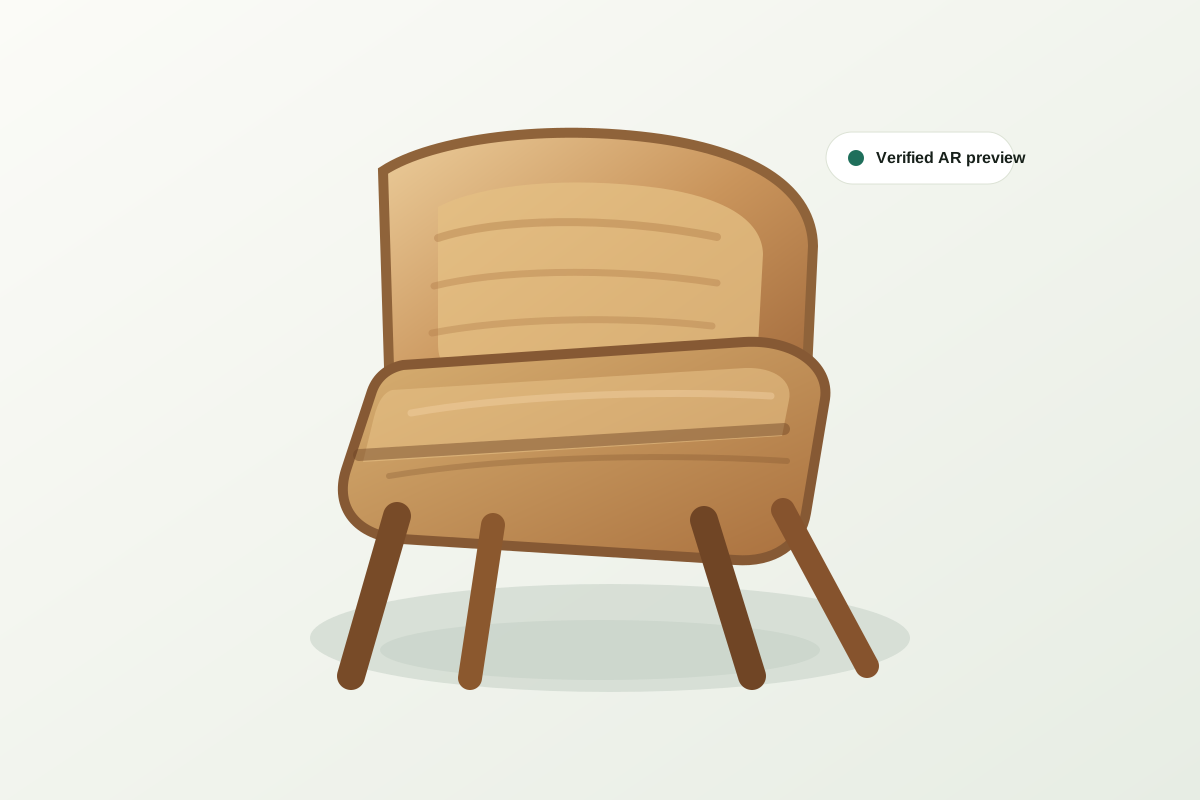
AR ecommerce examples example — interactive 3D model of Luma Chair

FAQ

What store owners usually ask

What are good AR in ecommerce examples?

Furniture placement, eyewear and cosmetics try-on, paint or flooring preview, and interactive product education are strong examples because each resolves a specific pre-purchase uncertainty.

Does an AR ecommerce experience require an app?

No. Modern furniture AR can launch from a hosted page or an embedded web viewer on supported iPhone and Android devices, with no retailer-specific app download.

Can a smaller furniture brand use the IKEA AR model?

It can use the same core shopping idea—true-to-scale room placement—without reproducing IKEA's full app. A focused browser-based pilot is a much lighter starting point.

How should an AR shopping pilot be measured?

Measure qualified product-page visits, 3D interactions, AR launches, clicks back to the store, and ultimately qualified leads or purchases. Raw page traffic alone does not show whether AR resolved purchase uncertainty.

Explore the full guide set

Start with one product.

Show shoppers what the product looks like in their room, then track whether they return to your store.

Launch an AR shopping pilot