No plugin required to start
The hosted link works as a fast pilot path. Add it to product descriptions, announcement bars, post-purchase emails, sales conversations, or QR codes. Because the page lives on its own URL, it works the same way in every channel — there is no separate integration to build for email versus ads versus in-store signage, just one link that carries the same 3D viewer, AR button, and dimensions everywhere it is placed.
Review before publishing
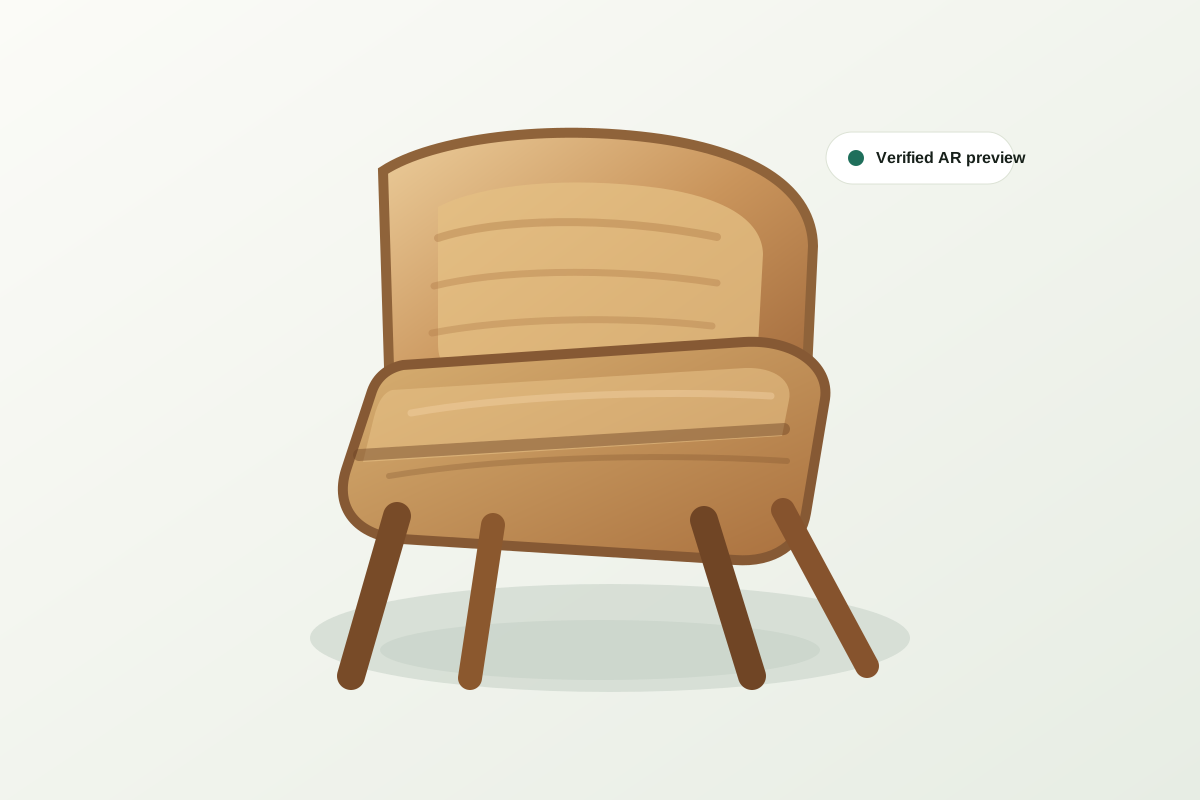
A quality gate keeps unfinished or poor previews out of the public page. The merchant can inspect the generated model before shoppers see it, checking that the silhouette, proportions, and material match the real product, and only approving publication once the preview is something they would be comfortable putting in front of a paying customer.
Designed for a focused pilot
Start with the products where shoppers ask the most questions about size, scale, or fit. Prove engagement before expanding across the catalog, using the pilot's own analytics as the evidence for whether a wider rollout is worth the effort.
What a hosted AR product page actually is
Each page bundles the elements a shopper needs to trust the product into one URL: an interactive 3D viewer they can rotate and zoom, an AR launch button that places the model at true scale on their own floor, a dimensions panel pulled from the same numbers the merchant entered, the merchant's own branding so the page reads as an extension of the store rather than a generic third-party tool, and a CTA that sends the shopper back to the real product page to complete the purchase. It is a purpose-built page for one job — building enough confidence that the shopper proceeds to checkout — rather than a general storefront page trying to do everything at once.
One link, everywhere the shopper already is
Because the page is a single URL, it travels to wherever the shopper already is instead of requiring the shopper to find their way to a dedicated app or storefront section. The same link works in a paid social or search ad as the click-through destination, in an email or SMS campaign as the call to action, and in a physical showroom as a QR code next to a floor sample so a shopper can preview a different fabric or configuration on the spot. Merchants do not maintain separate assets per channel — one hosted page serves all of them.
Analytics that tell you what is working
Every hosted page tracks page views, 3D viewer interactions, AR launches, and clicks back to the store, broken out per product. That data answers the two questions that matter for a pilot: which products are shoppers actually engaging with, and which previews are converting that engagement into a click toward checkout. A product with high views but low AR launches might need a stronger call to action; a product with strong AR engagement but few store clicks might have a pricing or availability issue unrelated to the 3D preview itself. Either way, the data tells you where to look next instead of leaving it to guesswork.
Instant unpublish control
Because published pages resolve through a private, access-controlled model file rather than a permanently public asset, unpublishing a page is an immediate kill switch rather than a slow takedown. If a product is discontinued, a model needs correction, or a listing changes, the merchant can pull the page down and the underlying files stop being servable right away — there is no cached public copy floating around after the fact.
How the hosted page complements your own product page
The hosted AR page is not meant to replace your store's product page, and it does not try to sell dimensions, pricing, variants, or checkout on its own. It is a focused confidence layer that sits upstream of the store page: a shopper lands there from an ad or email, resolves their size and fit doubt with the 3D viewer and AR, and is then handed back to the merchant's own product page — with its full pricing, variant selection, reviews, and cart — to actually complete the purchase.